Step-by-step masterclass

    Claude Masterclass
    Chat, Chrome, Cowork, and Code

    Go from never using Claude to comfortable across four products: everyday chat, the Claude for Chrome browser extension that acts on websites for you, an agentic desktop setup that runs real work, and the Claude Code desktop app. No coding background needed.

    Your Progress0% Complete

    0 of 40 steps completed

    Prerequisites

    • A computer with internet access
    • A Claude account (free to start; a paid plan unlocks Projects, the Cowork features in Module 3, and Claude for Chrome in Module 2)
    • Google Chrome installed, for the Claude for Chrome module (Module 2)
    • Willingness to follow along hands-on. No coding experience needed.

    What You'll Learn

    • Sign in to Claude, hold a productive conversation, and write prompts that get usable answers on the first or second try.
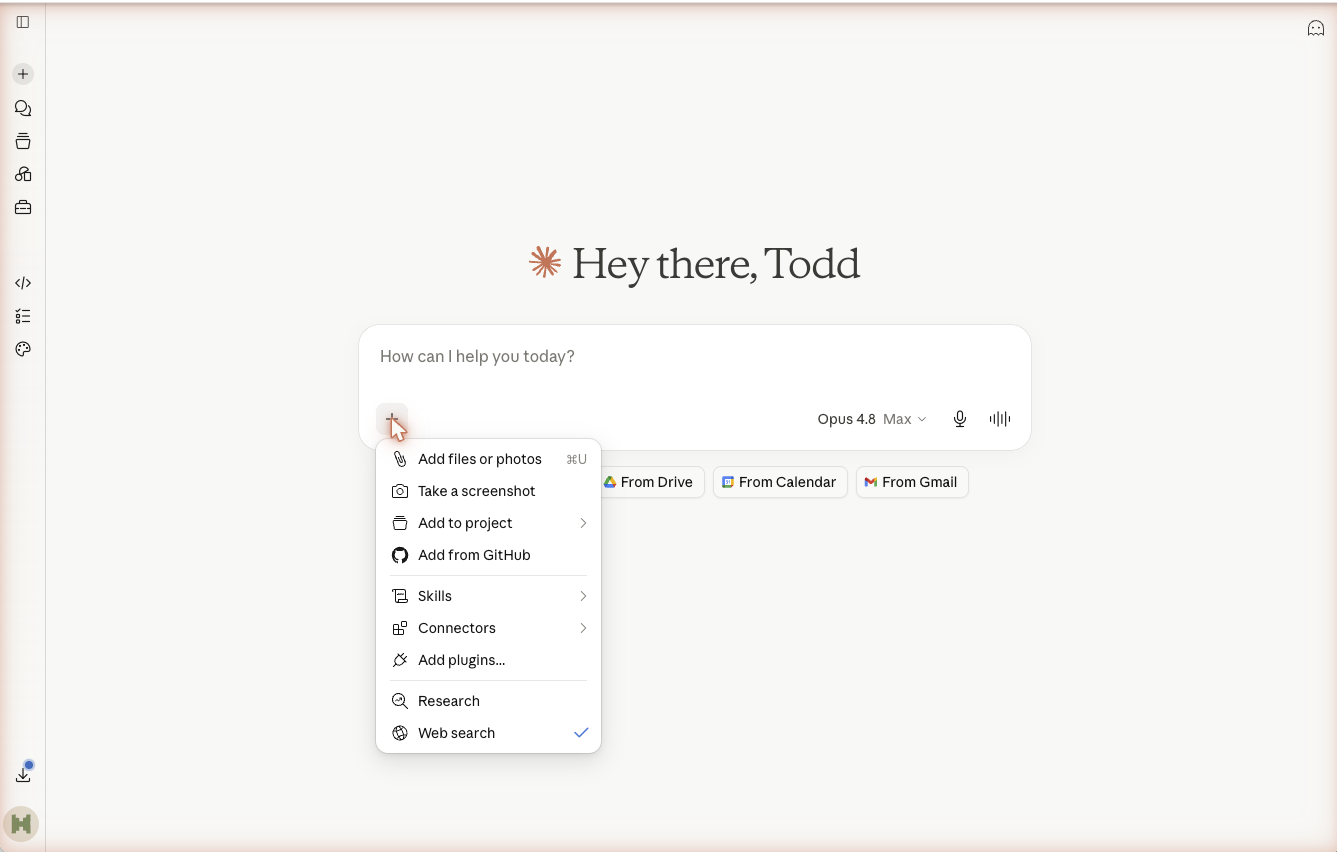
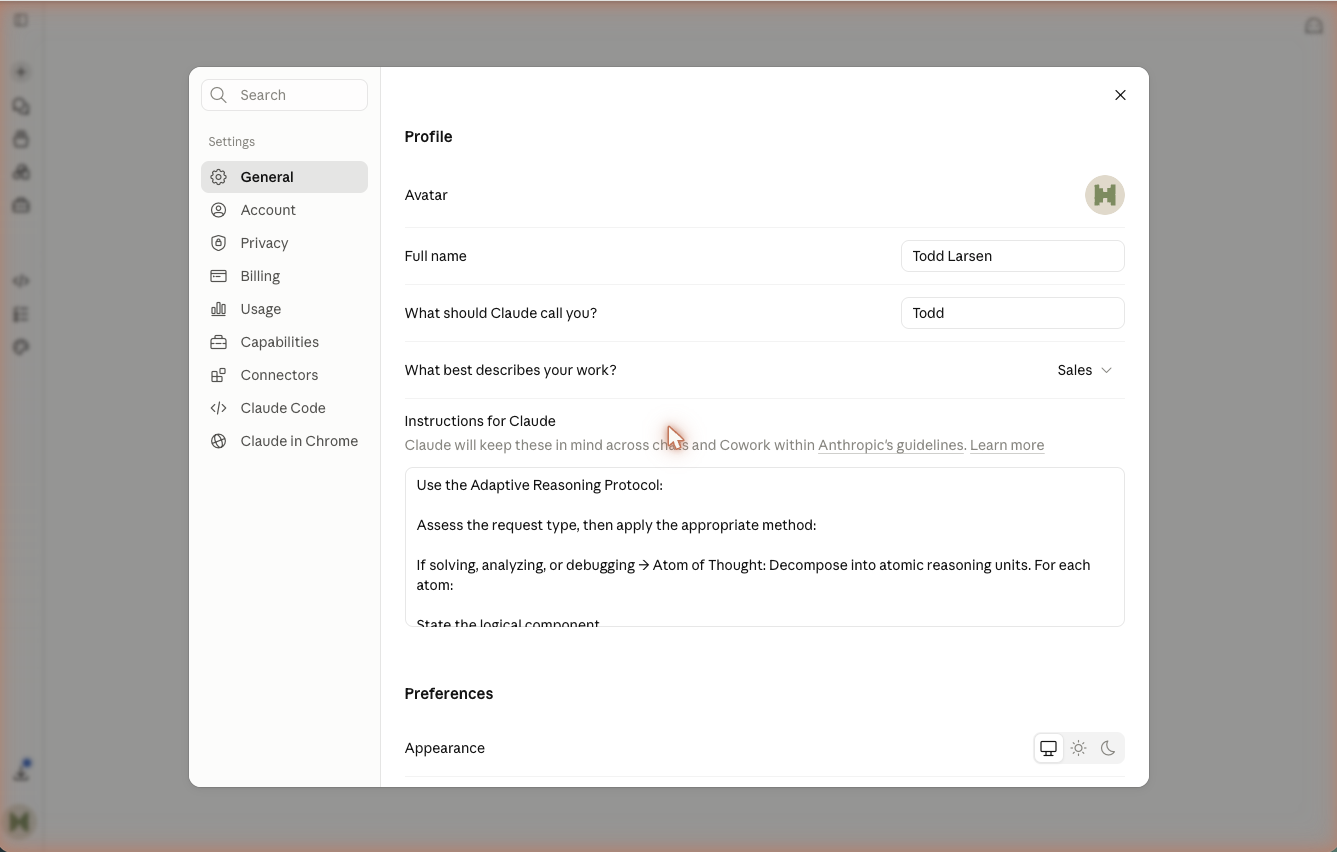
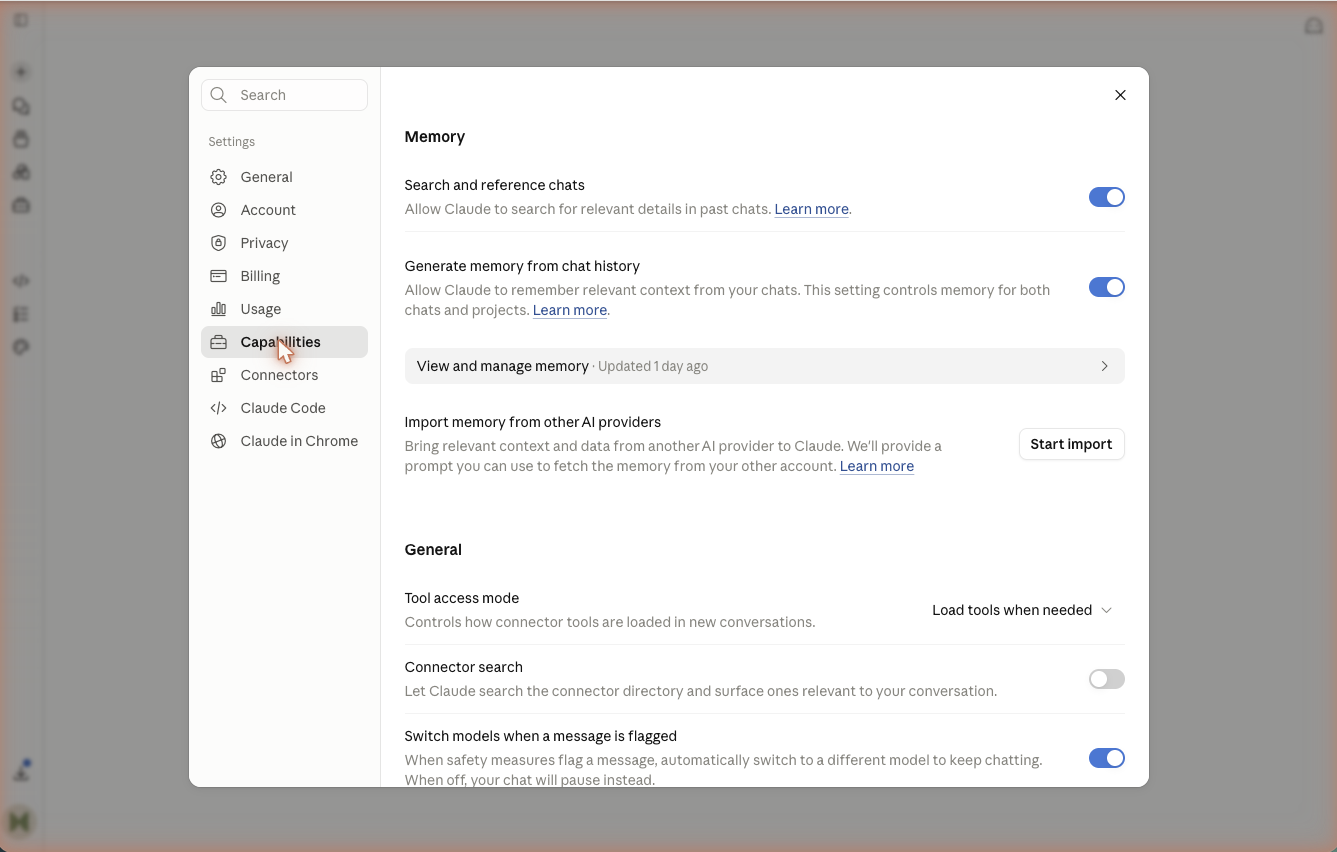
    • Share files and images with Claude and organize ongoing work using Projects, custom instructions, and memory.
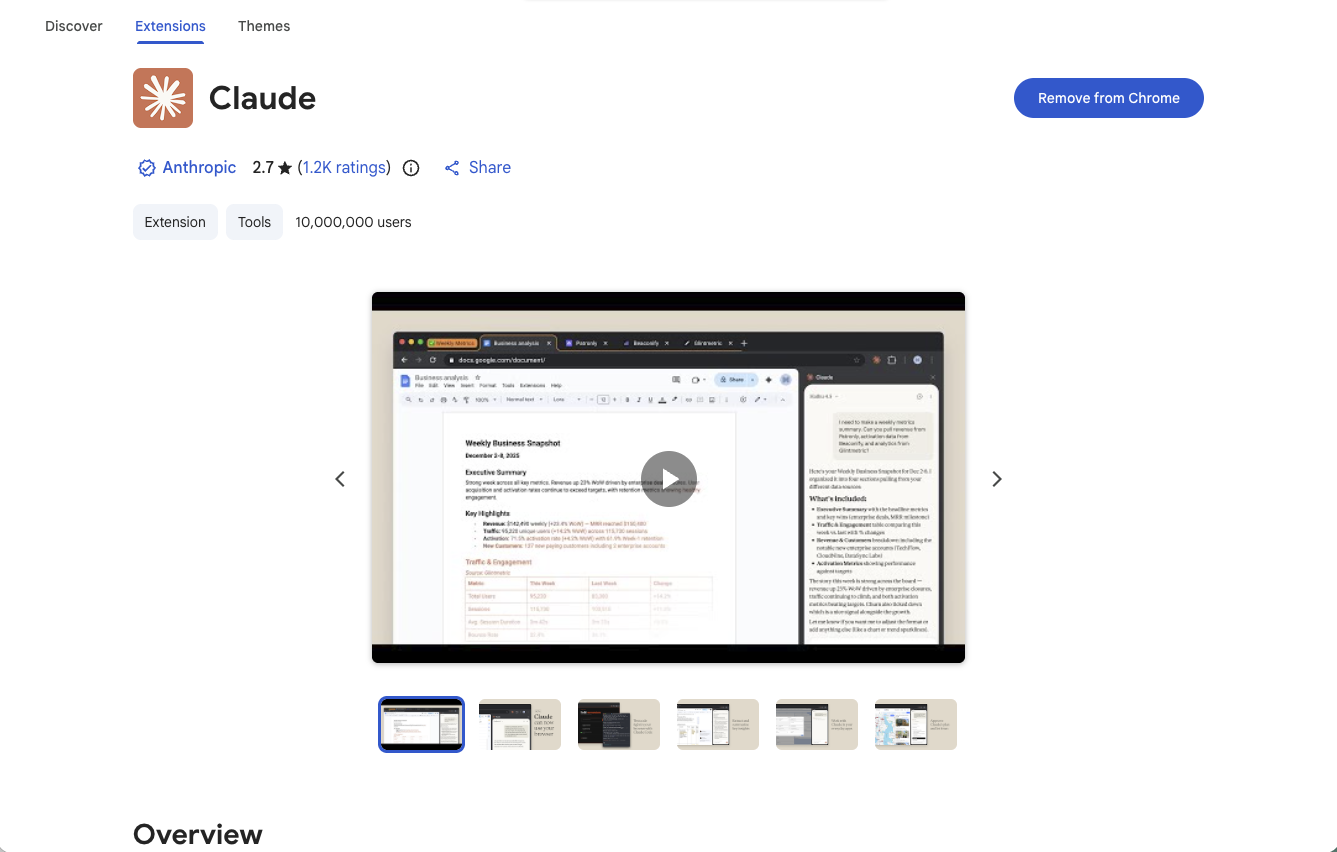
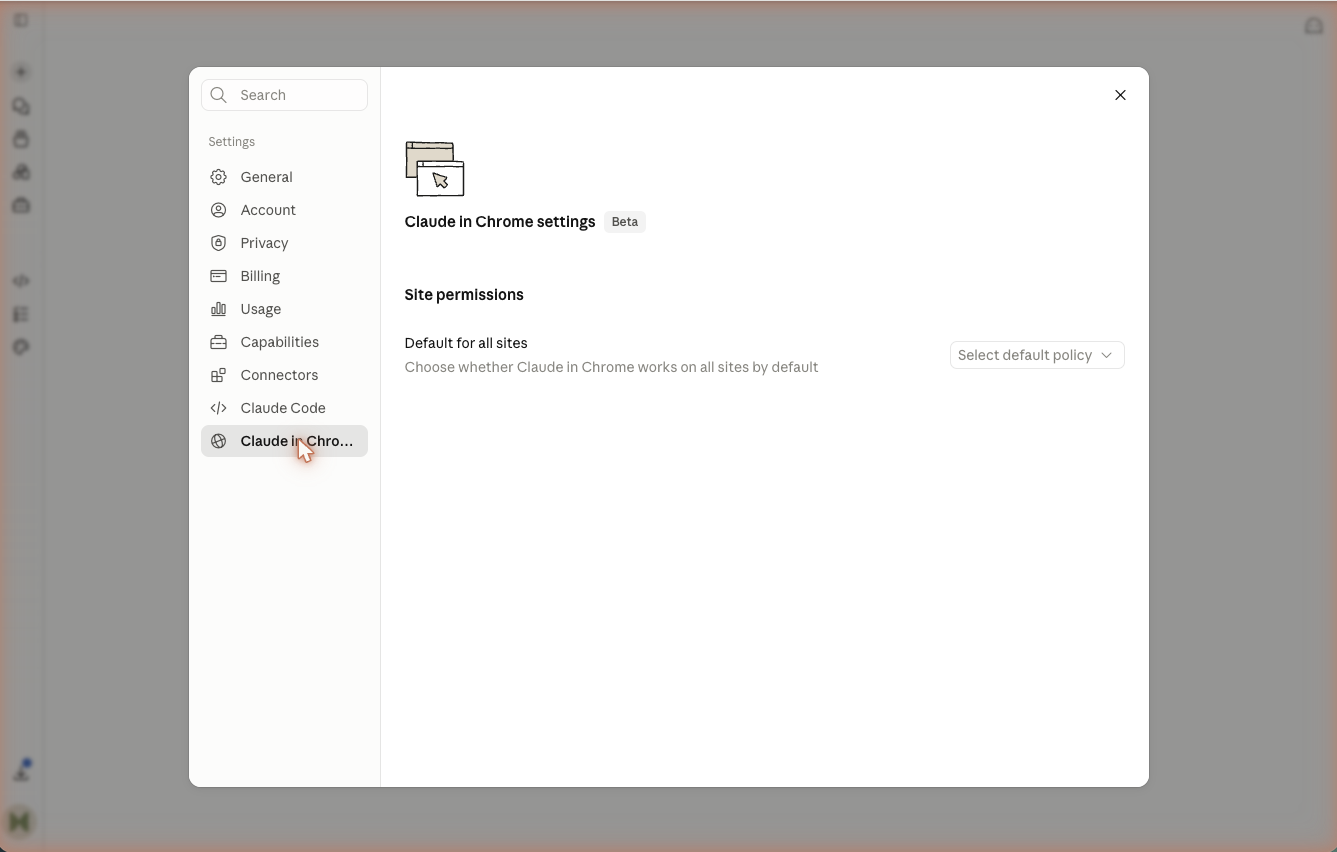
    • Install Claude for Chrome and use browser use safely, letting Claude see the current tab and take actions for you while you approve access site by site.
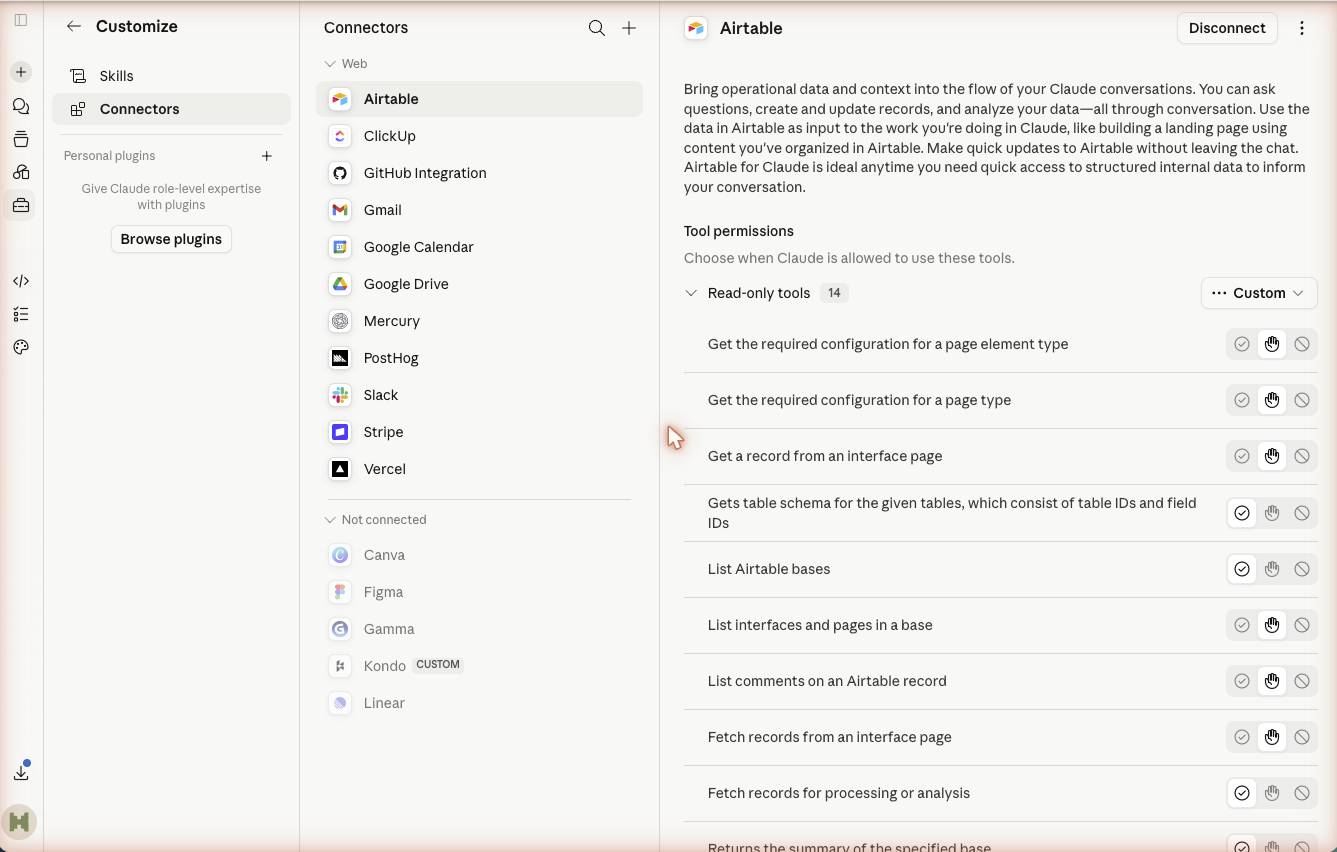
    • Set up the desktop app with safe connections to tools like Gmail and Calendar so Claude can act, not just advise.
    • Build, run, and improve a repeatable workflow using Skills, connections, and a simple scorecard.
    • Use the Claude Code desktop app for real non-technical tasks like a one-page website, folder cleanup, and document drafting.
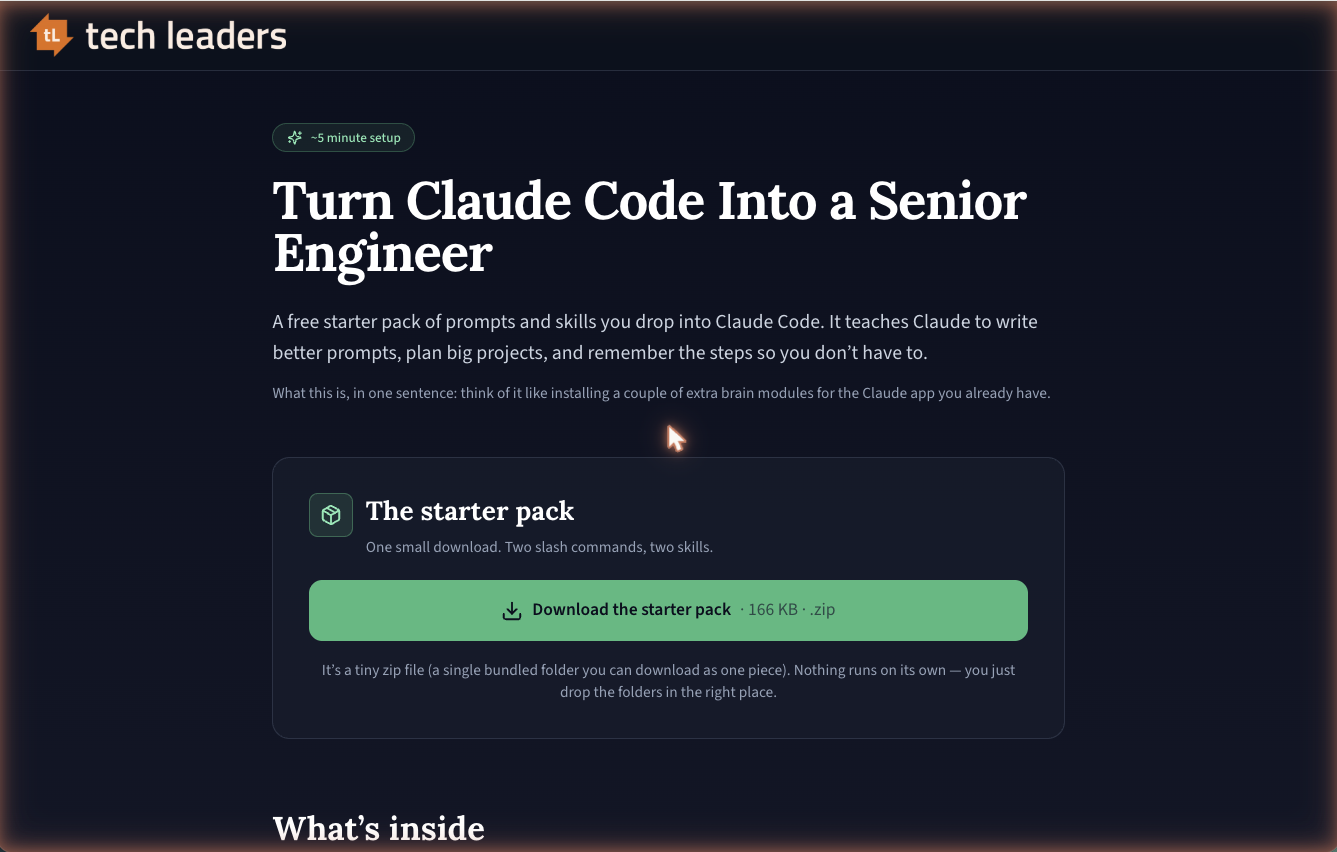
    • Install the free meta-prompting starter pack and use /create-prompt and /run-prompt to write and reuse strong prompts, plus skills that plan big jobs.
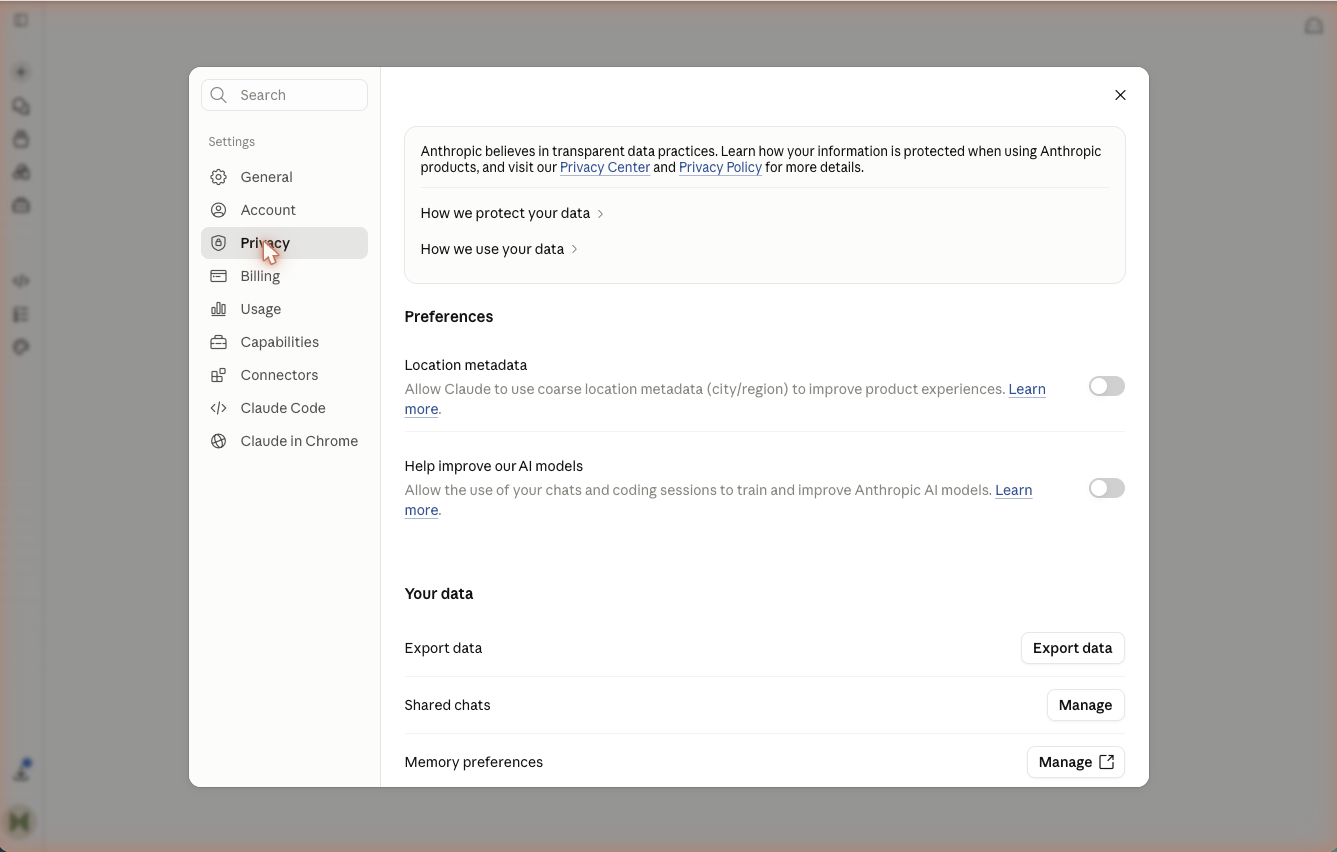
    • Decide confidently which version of Claude fits a given task, and protect your data with deliberate privacy settings.

    Masterclass Steps

    Work through four modules at your own pace

    Module 1: Claude Chat (Beginner)

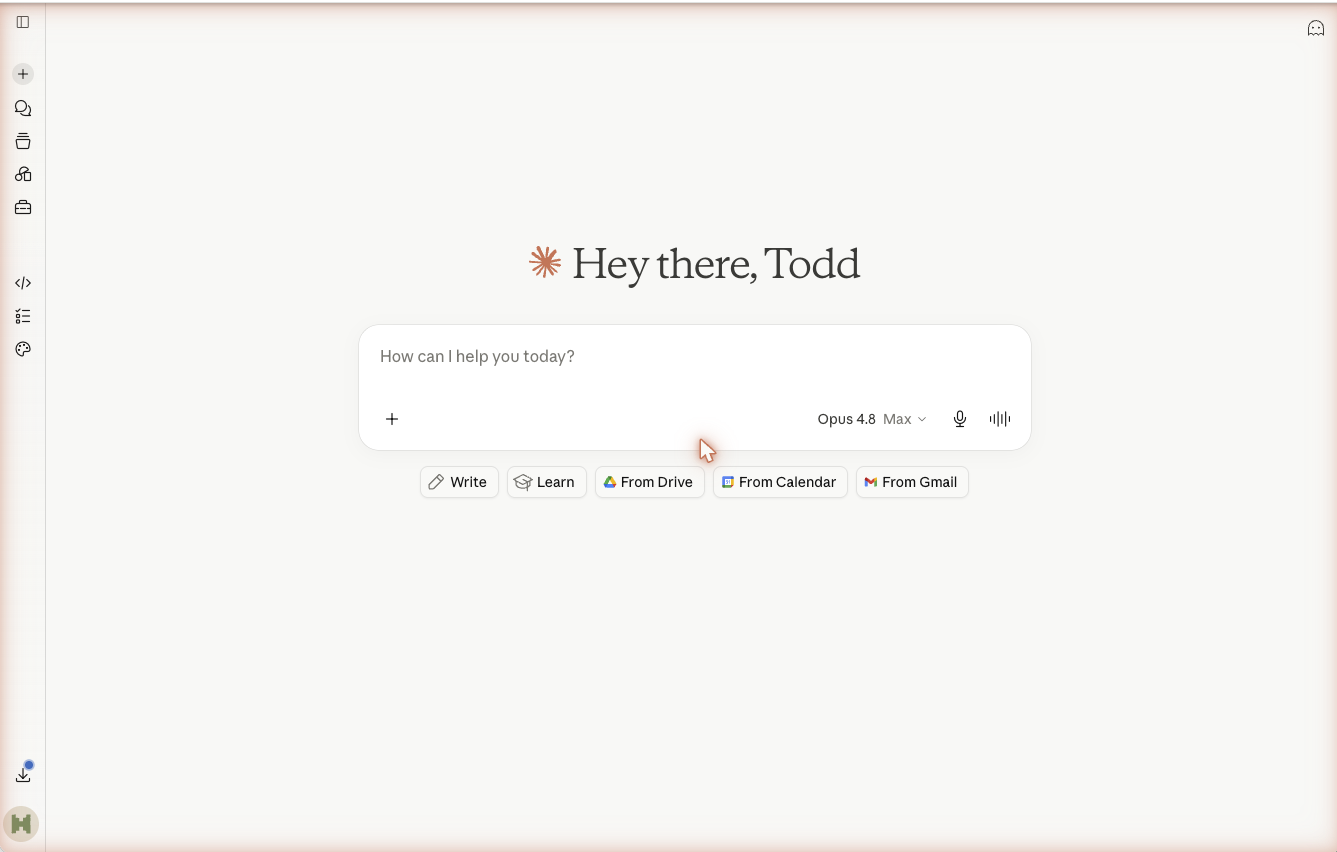
    This is the version most people meet first. It is a website (claude.ai) and a desktop app where you type questions and Claude types back. By the end of this module you can sign in, hold a useful conversation, share files, and keep your work organized.

    What this step does:

    Claude is an AI assistant made by Anthropic. You talk to it in plain language, the same way you would message a knowledgeable coworker, and it answers. There are two tiers. Free works for everyday questions. Pro is the paid plan that gives you more usage during busy periods, access to the strongest models, and the Projects feature you will use later.

    Action Steps:

    1. Open a web browser and go to claude.ai.
    2. Click "Sign up" and register with an email address or a Google account.
    3. Confirm your email if asked, then sign in.
    4. Look at the plan options. Start on Free. You can upgrade to Pro later from Settings if you find yourself running into limits.
    QuestionFreePro
    CostNothingA monthly fee
    Usage during busy timesLower limitsHigher limits
    Access to the strongest modelsLimitedFull
    Projects featureNoYes
    Checkpoint:You are signed in and looking at an empty chat box with a cursor ready for your first message.

    Module 2: Claude for Chrome (Beginner)

    Claude for Chrome is a browser extension that lets Claude see the website you have open and take actions on it for you: clicking, typing, and moving between pages while you watch. In plain chat you copy and paste; here Claude works on the live page. Anthropic calls this browser use, and it is a beta feature on paid plans. It sits between everyday chat and the deeper Cowork workflows on purpose, so you get a gentle first taste of Claude taking actions, with you in control the whole way. Because Claude is acting inside your browser, this module gives safety real weight. Work through the steps in order.

    Module 3: Claude Cowork (Intermediate)

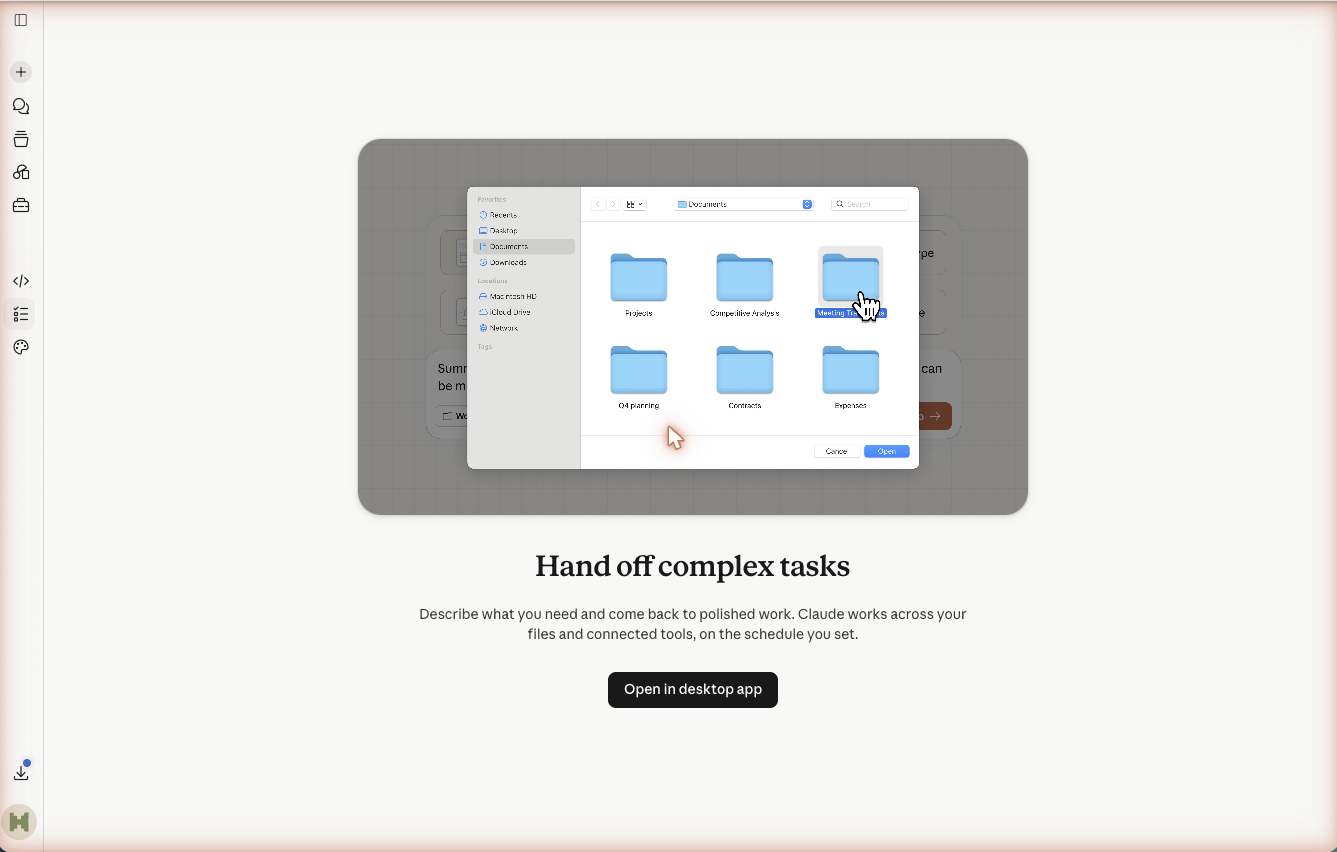
    Cowork is not a separate product. It is the Claude desktop app set up to do real work: stronger reasoning turned on, safe connections to your tools like Gmail and Calendar, specialized instruction sets called Skills, and Projects that run start-to-finish workflows. This module takes you from a chat assistant to something that completes tasks. Work through the steps in order, since each one builds on the last.

    Module 4: Claude Code (Advanced)

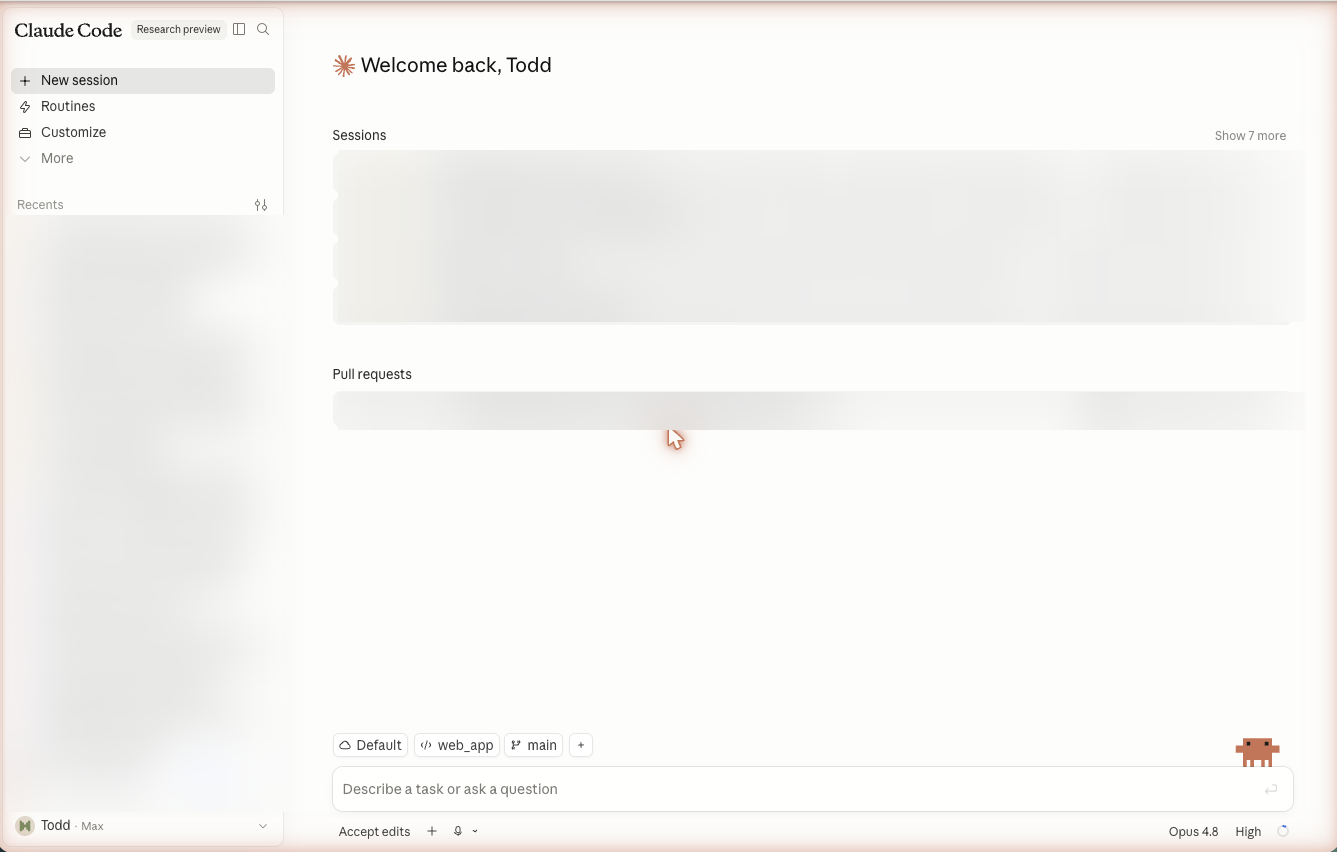
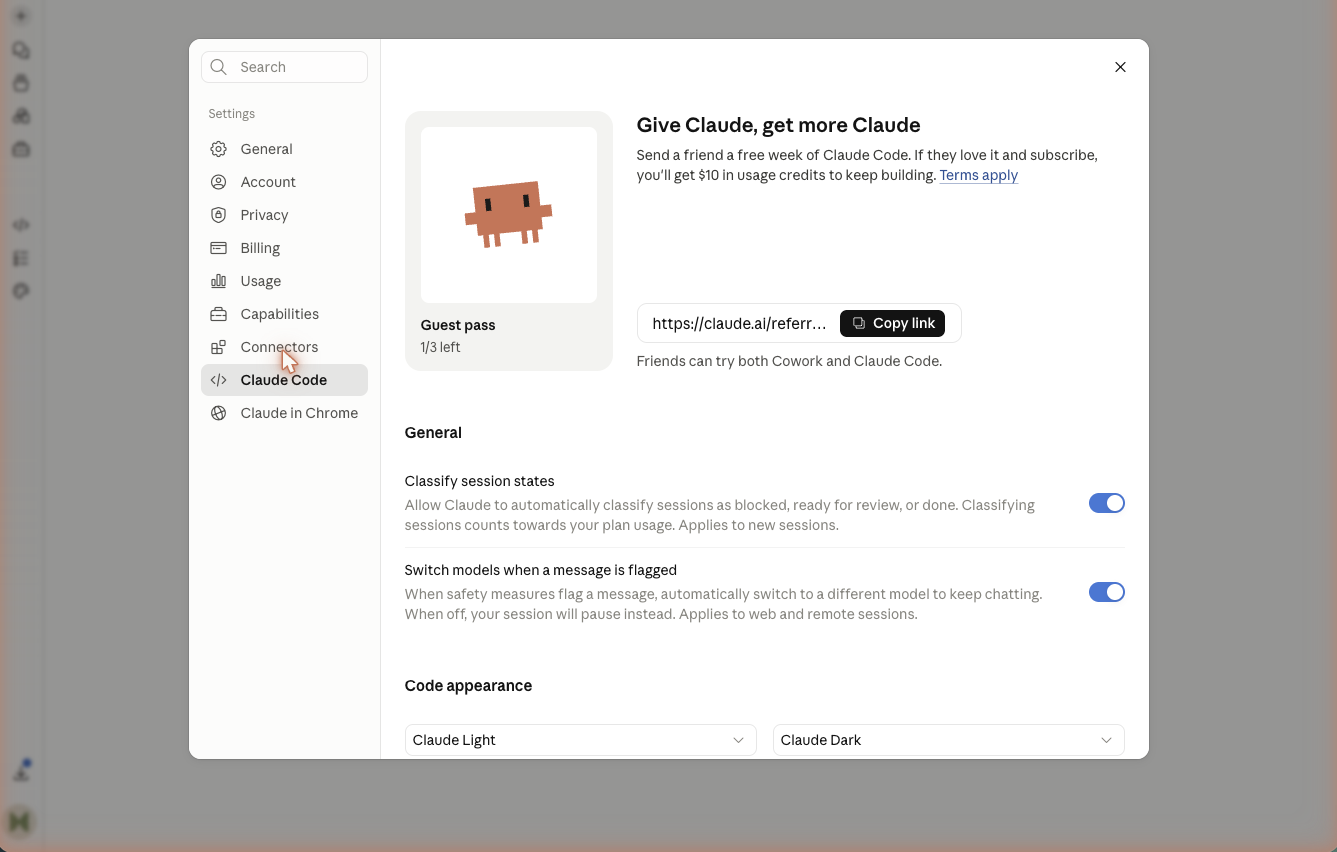
    Claude Code is the version of Claude that runs as a desktop app and can create files, edit them, and run tasks for you directly on your machine. It sounds technical, and it can be, but plenty of everyday uses need no programming at all. This module eases you in: what it is, when to use it, a few real tasks you can try safely, and a free starter pack that powers it up with reusable prompts and skills.

    Summary

    Key Concepts

    Prompt

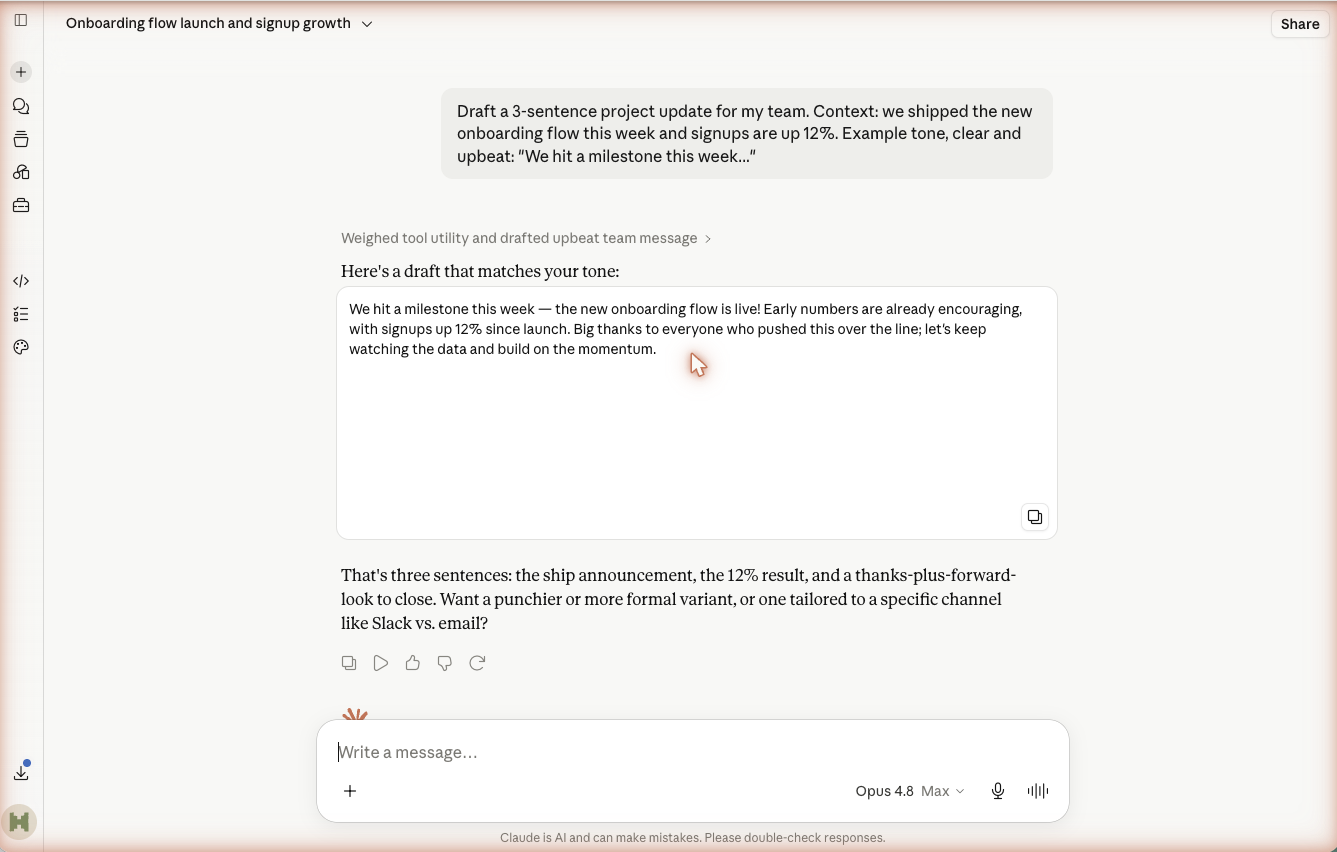
    The message you send Claude. Clear ask plus context plus an example gets the best result.

    Artifact

    A panel beside the chat where Claude builds a document, table, or small app you can edit in place.

    Browser use

    Claude acting in your browser tab on your behalf through the Claude for Chrome extension, with your approval granted per site.

    Project

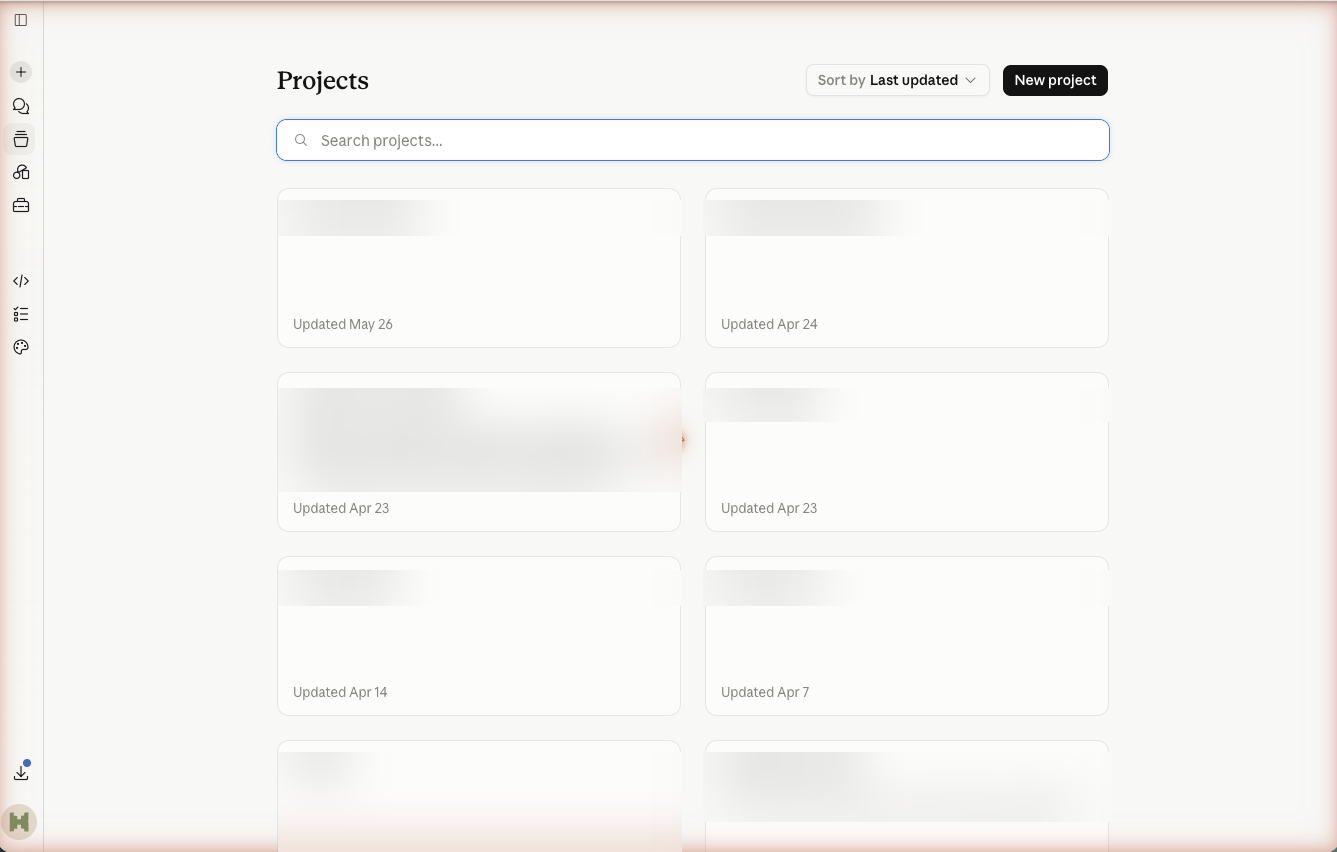
    A reusable container that bundles instructions, reference files, and (in Cowork) connections for one kind of work.

    Skill

    A plain-text (.md) instruction set that gives Claude focused expertise for a specific task.

    Connection (MCP)

    A safe, approved link that lets Claude reach an outside tool like Gmail or Drive, turning chat into action.

    Workspace folder

    The folder you open in the Claude Code app, which sets the files and folders Claude is allowed to work with.

    Safety model

    Claude Code shows what it plans to do and waits for your approval before changing anything.

    Slash command

    A shortcut you type in Claude Code with a slash in front, like /create-prompt, that runs a saved instruction.

    Starter pack

    A small free download of Claude Code commands and skills that load from your .claude folder every time Claude Code starts.

    Next Steps

    Keep building on your foundation

    • Install Claude for Chrome and try one safe browser task, like summarizing the page you have open, granting access to that single site.
    • Build one real Cowork workflow for a task you repeat weekly, then refine it with the scorecard until edits are minor.
    • Create a practice folder and complete all three Claude Code tasks: a one-page site, a folder cleanup, and a document draft.
    • Download the meta-prompting starter pack, install it into your .claude folder, and run /create-prompt on a real task.
    • Review your privacy settings across the website, desktop app, and Claude Code so each reflects a choice you made.
    • Bookmark Anthropic's official documentation and turn your best workflow instructions into a saved Skill you can reuse.

    Troubleshooting

    Common issues and solutions

    ProblemSolution
    Claude's answers are vague or off-target.Add context and an example to your prompt, then say what was wrong and ask for a revision.
    A Cowork connection will not answer with live data.Reopen Connections, confirm it is signed in and enabled for that Project, then reconnect if needed.
    Claude for Chrome will not act on a website.Open the extension and grant access for that site, since access is per site, and check you are on a paid plan with the extension turned on in Chrome.
    A workflow stops partway through.Check that every tool it needs is connected and any referenced folder is not empty, as your error-handling instructions should report.
    The Claude Code app will not open or sign you in.Quit and reopen it, and check your internet connection for the sign-in step. If it persists, reinstall it from the official download page.
    Claude Code changed something you did not want.Decline the next prompt, ask it to undo or revise, and going forward review each proposed change before approving.