Set the boundary before the context
One boundary covers data, access, and action
Write one rule that covers approved data, allowed actions, and the person who approves consequences.
Do this
- 1
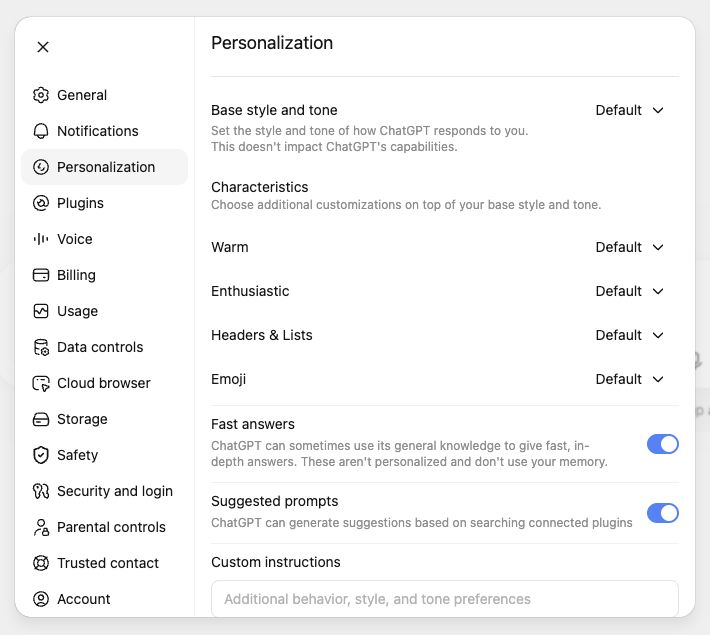
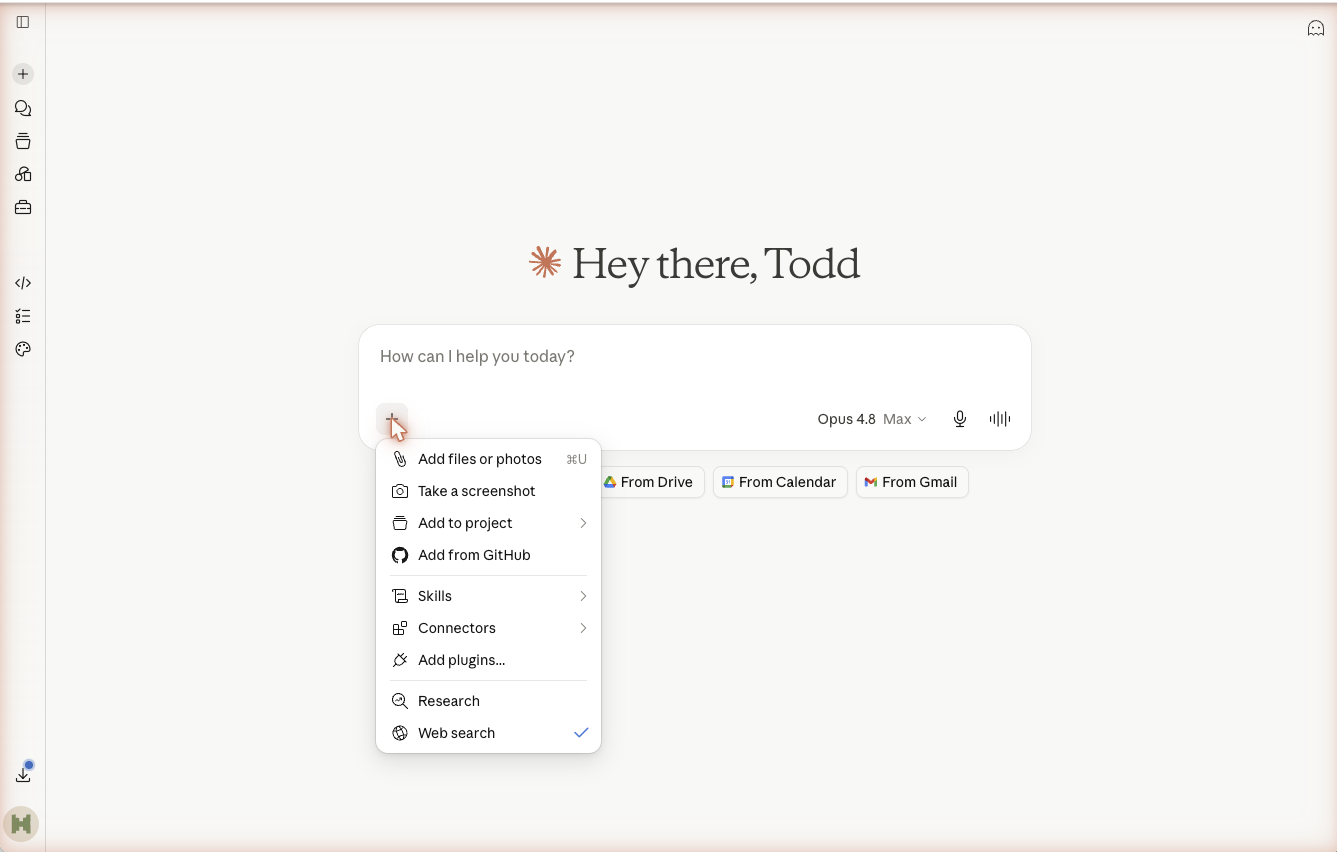
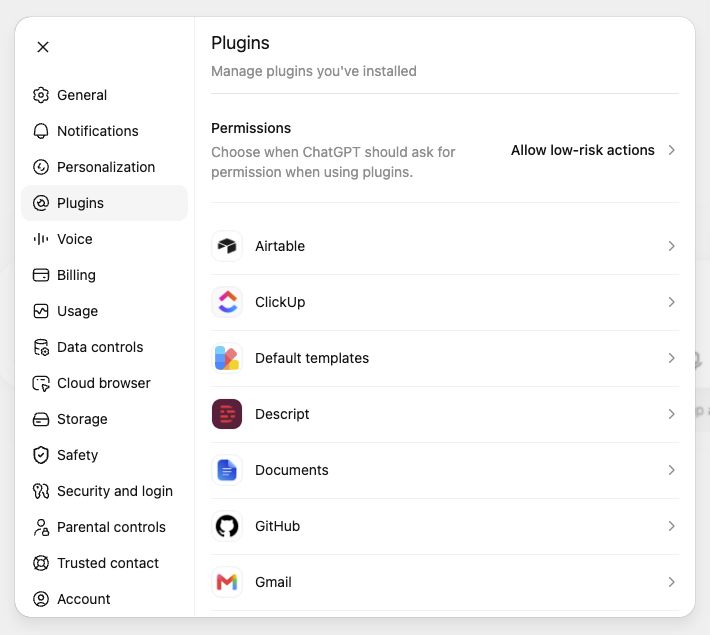
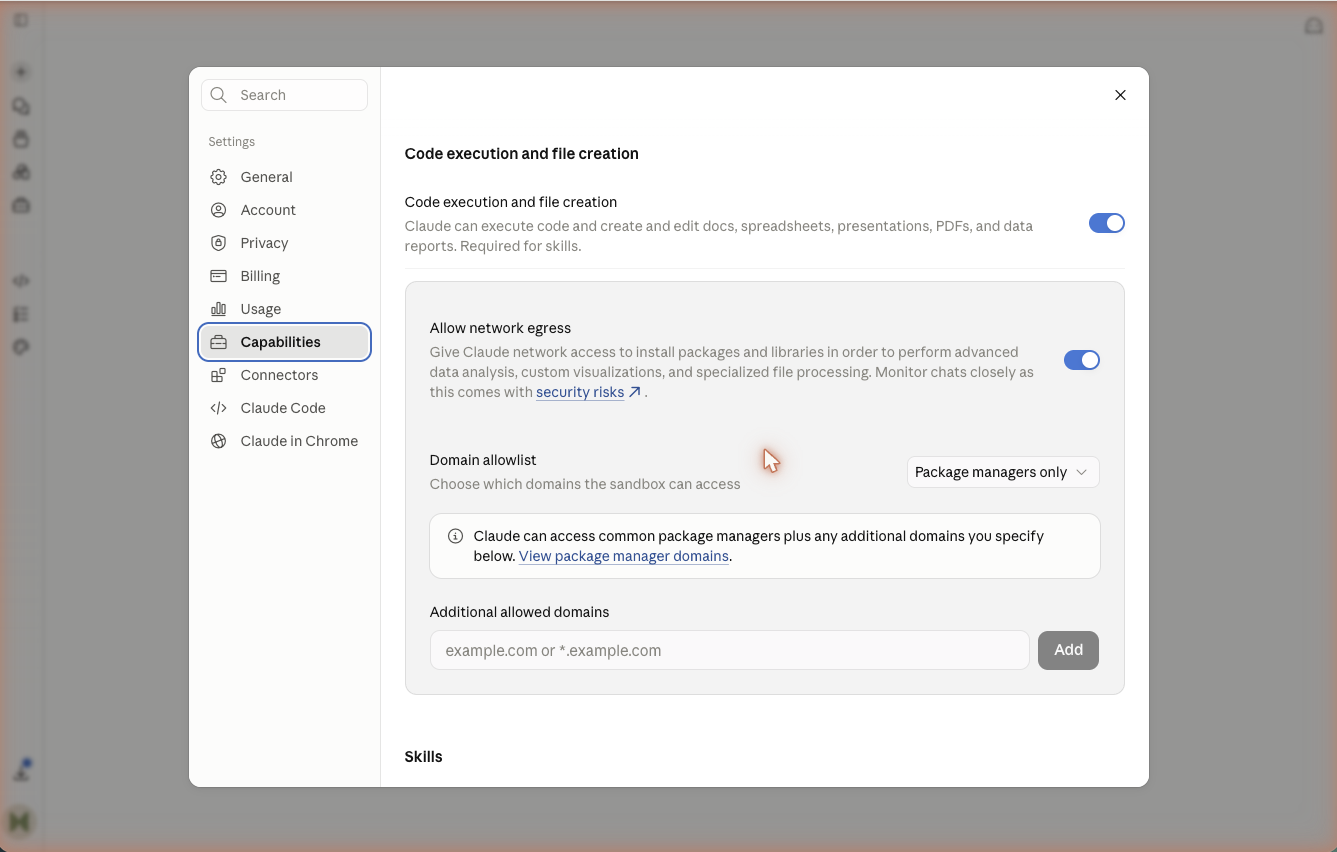
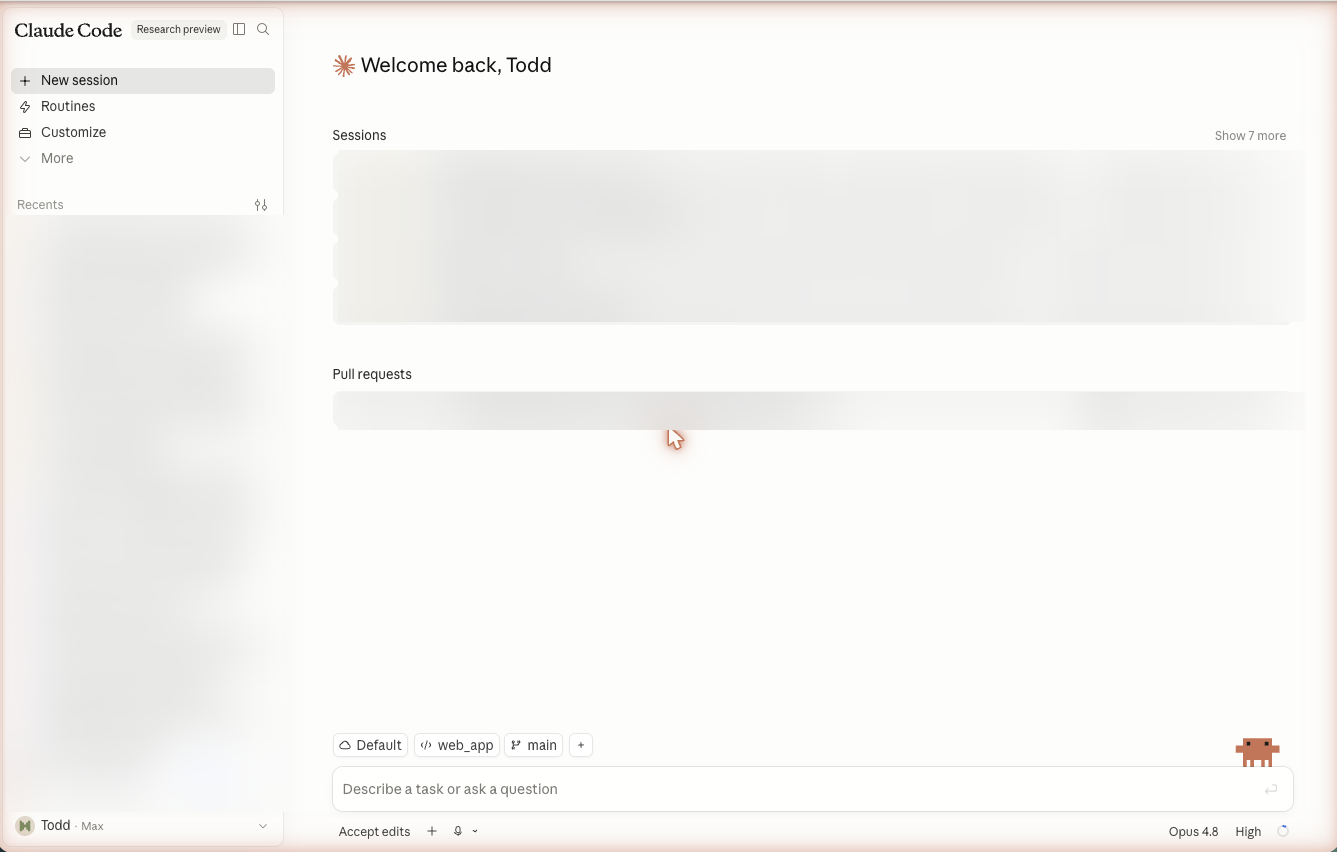
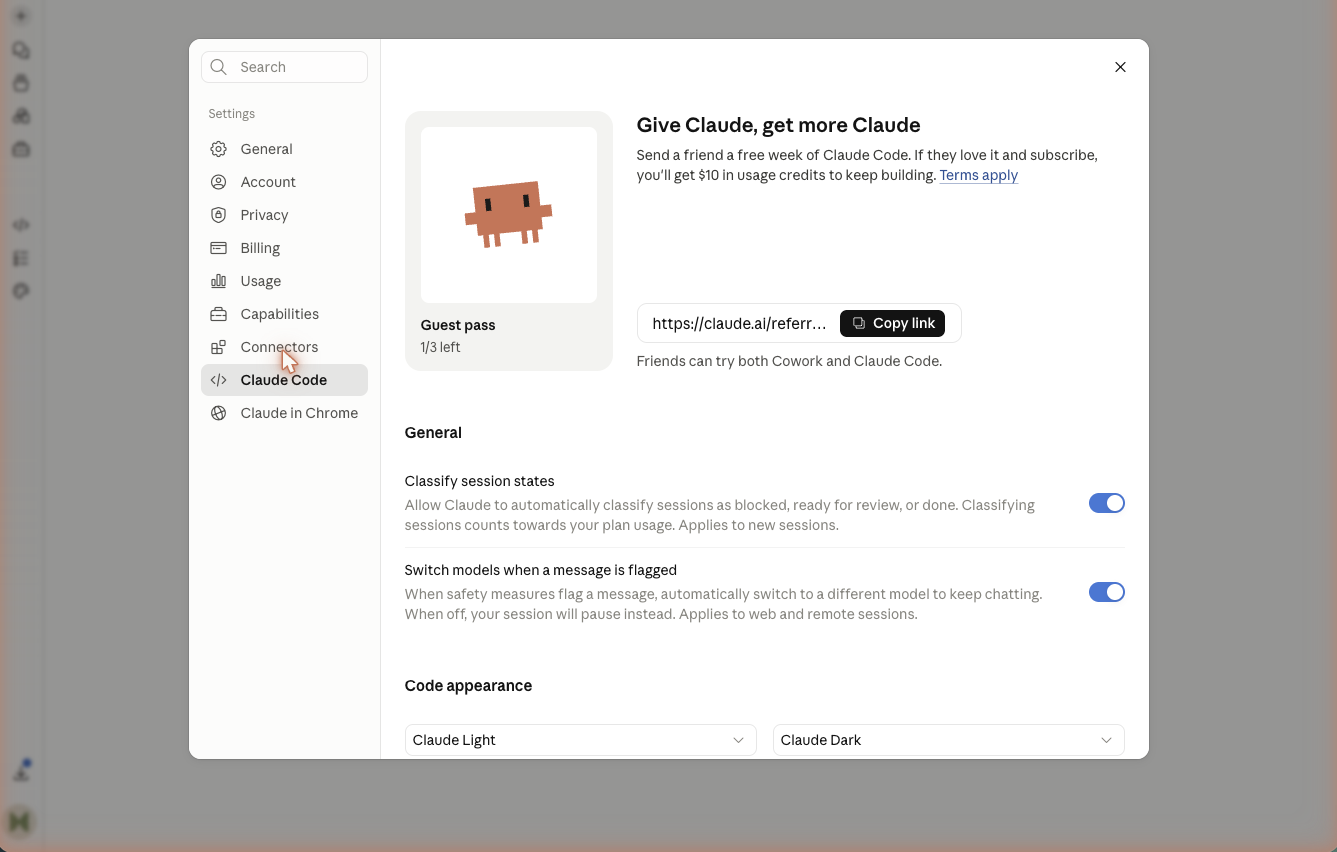
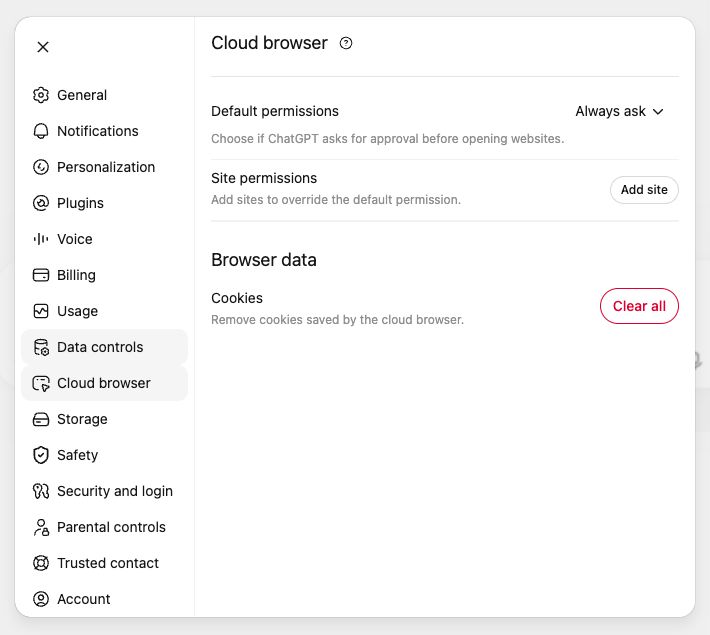
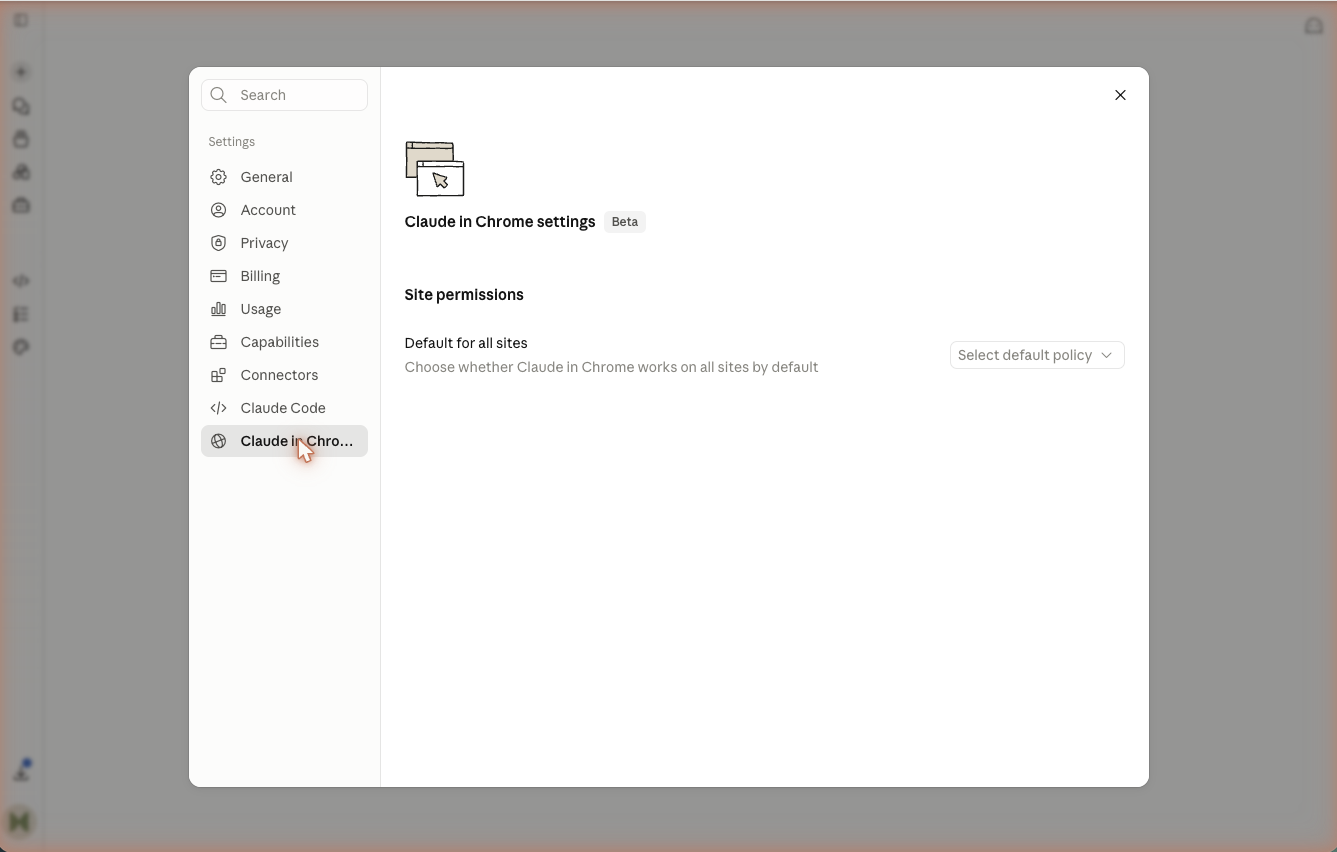
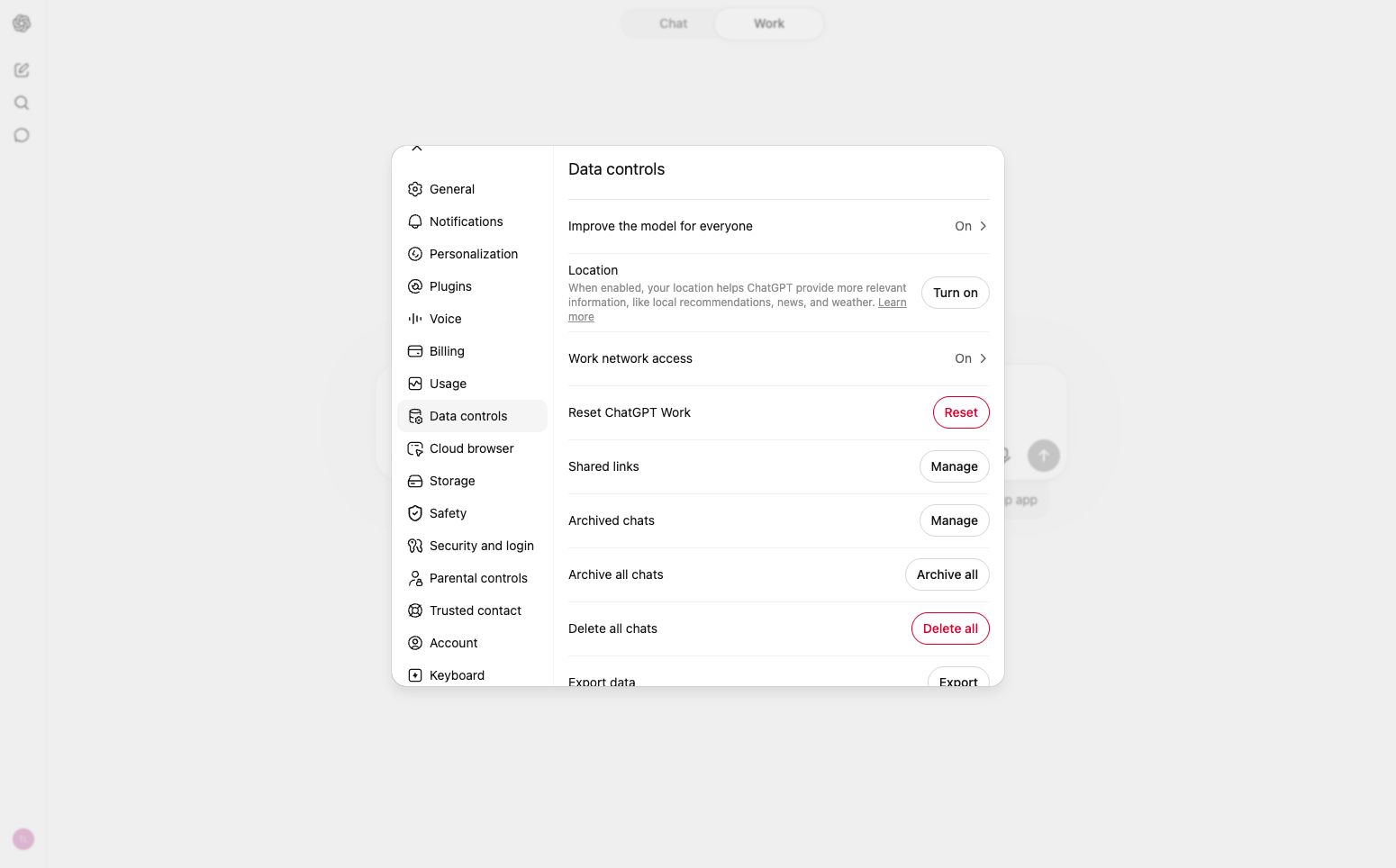
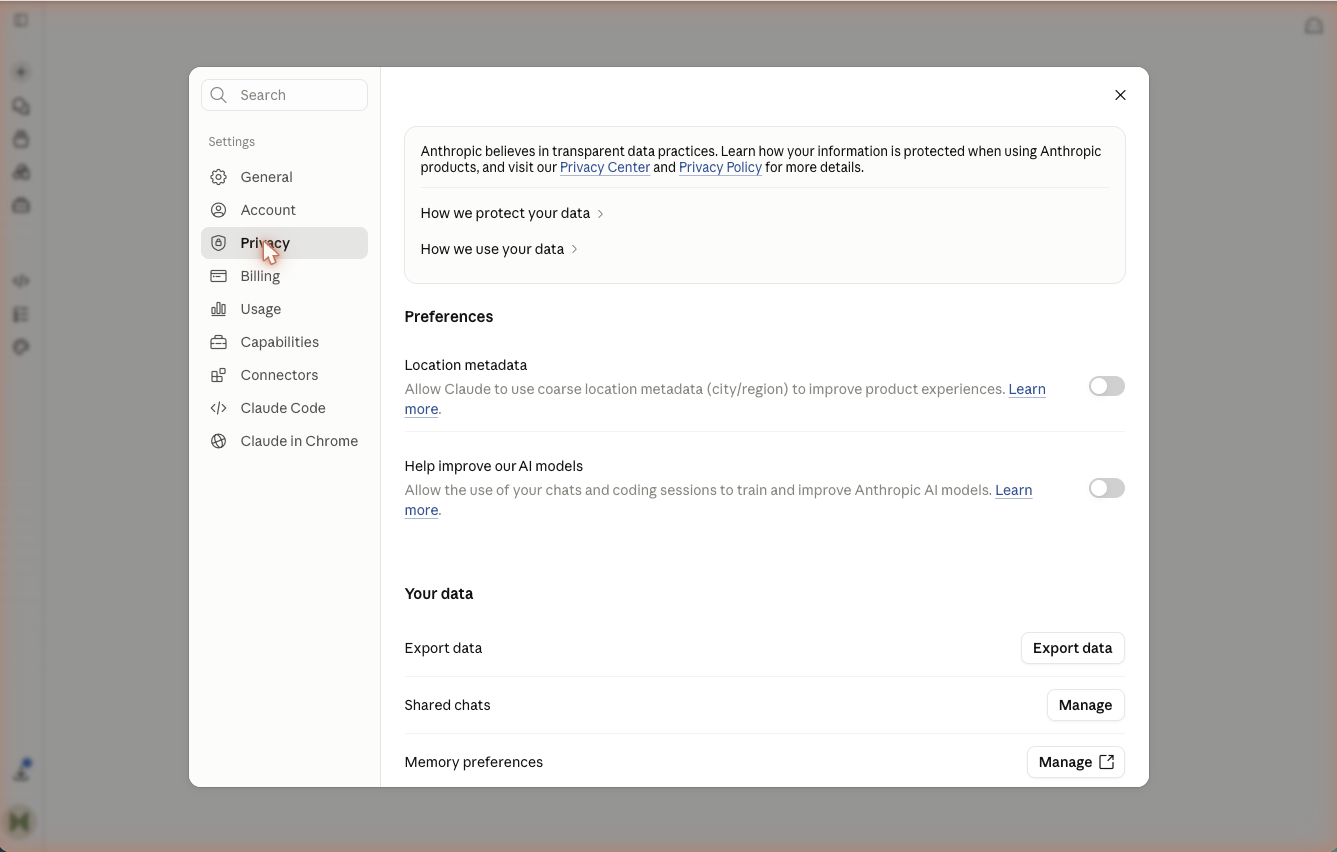
Confirm that the AI account and workspace are approved for the kind of work you will test.
- 2
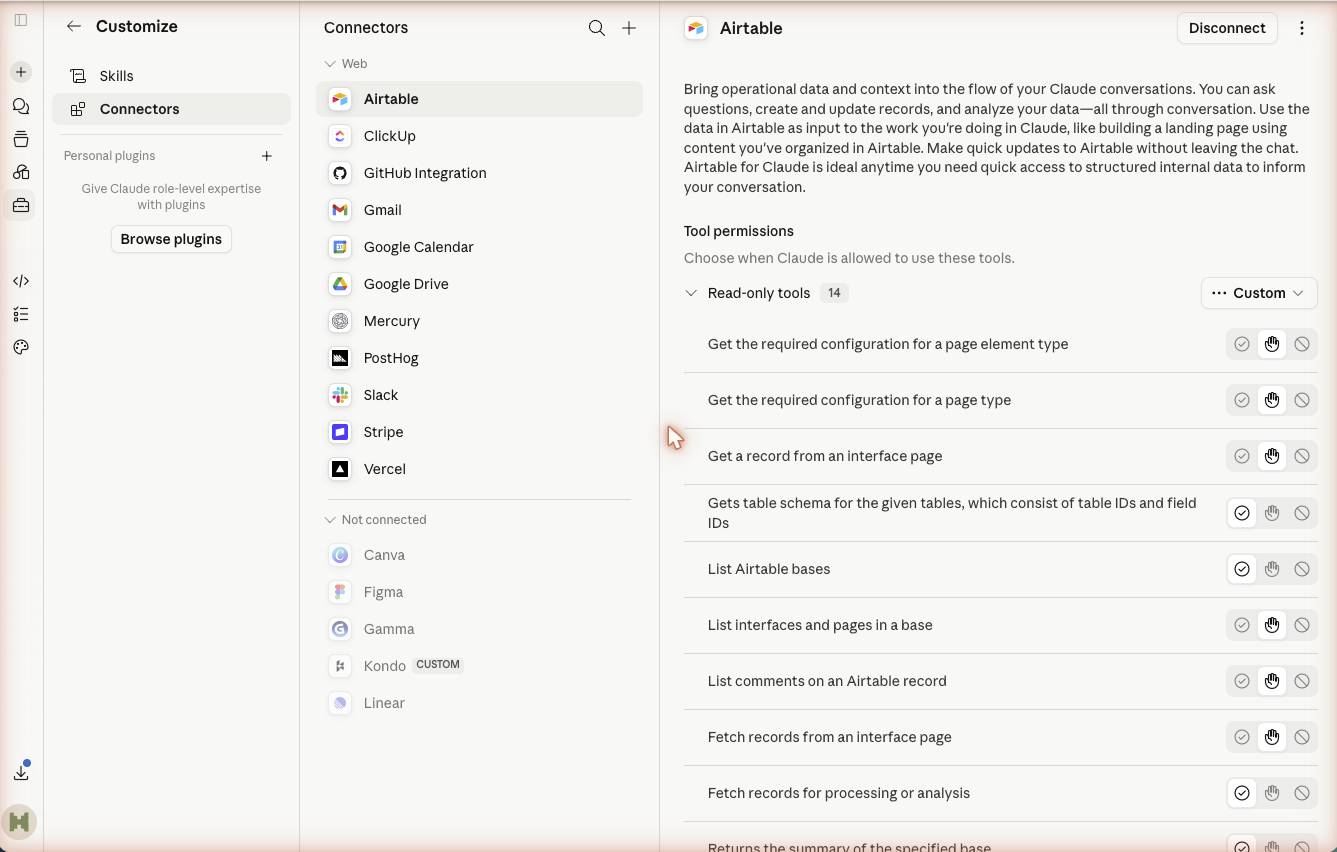
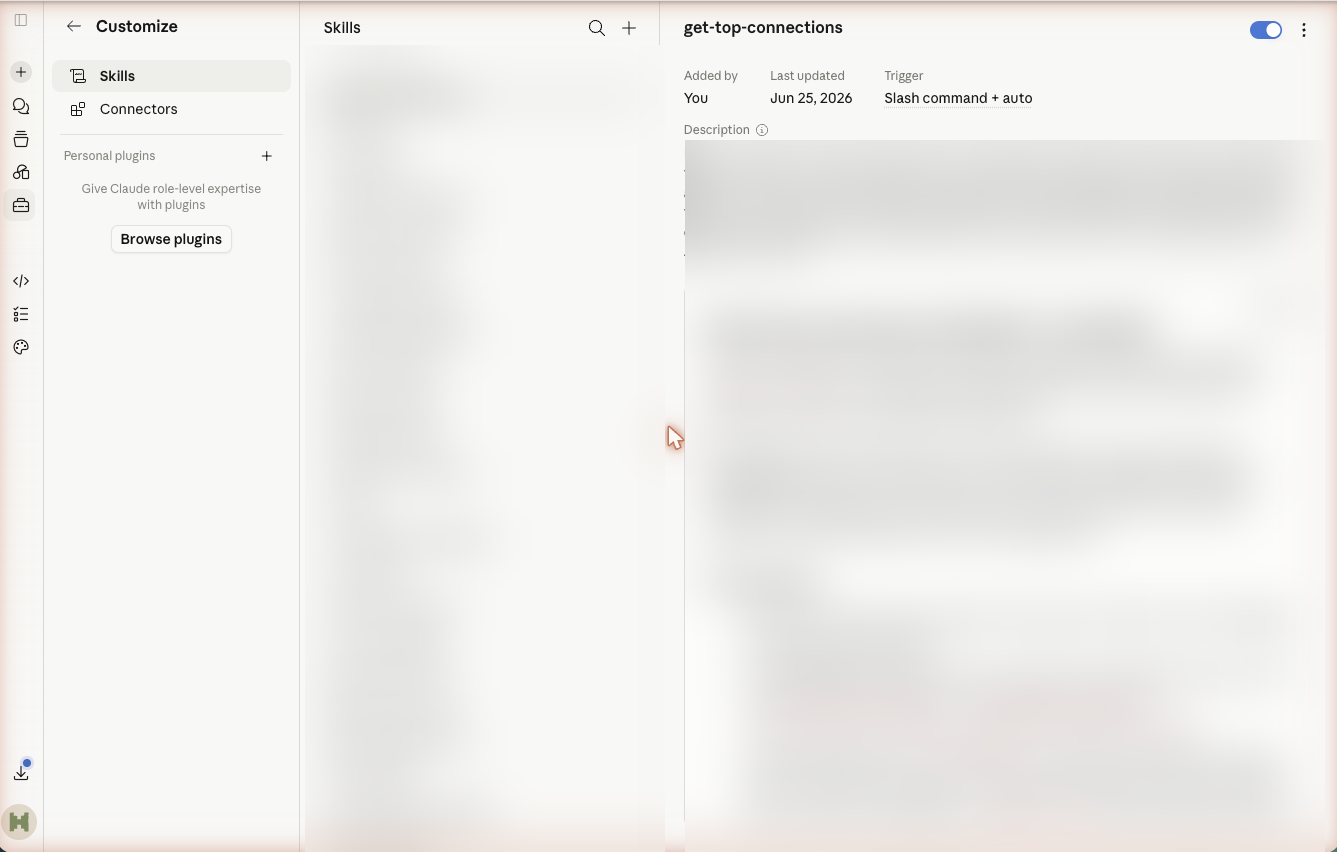
List the sources the Skill may use and the sensitive information it must never access.
- 3
Choose the first-run authority: Read or Draft. Name the person who must approve Change, Send, or Publish.
- 4
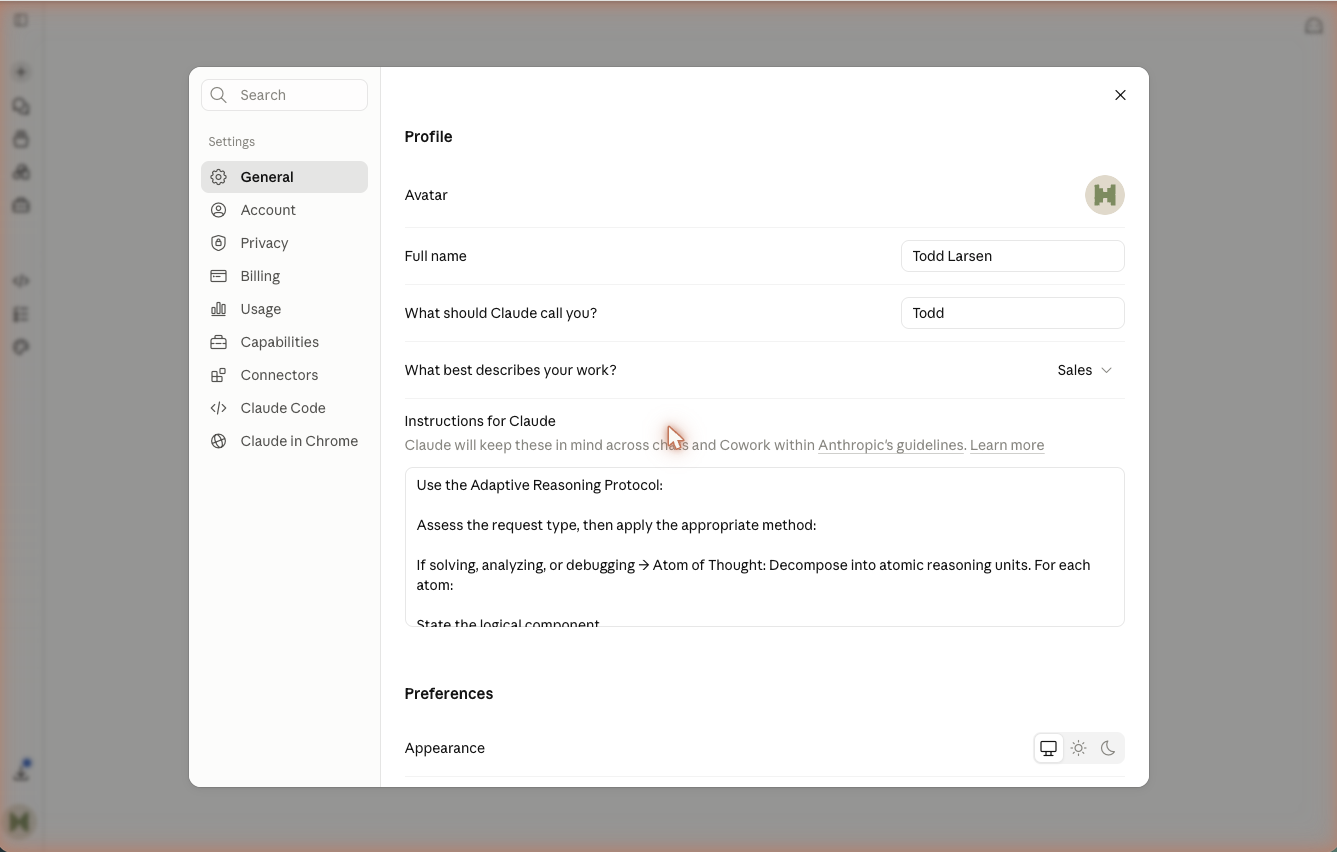
Paste the registered boundary prompt below into the Skill or project instructions and replace every bracketed field.
Copy and customize
Chief of Staff boundary
For this Chief of Staff Skill, use only [APPROVED SOURCES]. You may [READ] and [DRAFT]. Ask [PERSON] before you [CHANGE, SEND, OR PUBLISH]. Never access [SENSITIVE INFORMATION]. Record the sources, output, and human decision so the run can be reviewed.What you should see
A short boundary that names approved sources, forbidden data, allowed actions, the reviewer, and the evidence retained from a run.
Check before moving on
- Every source is specific enough to identify.
- Consequential actions require a named person.
- The first run cannot quietly expand from reading to acting.
Stop rule: Stop before entering work data if the account, retention settings, or sharing policy is unclear.
If this step fails
- No approved work account: practise with a fictional calendar and synthetic tasks.
- No clear policy: stop before adding data or a connection and ask the owner what is permitted.